

Settings
Every FlowReactor setting, what it does and its default. Settings are application preferences and are not part of any project.
On this page
Open Settings from the sidebar. Settings are application preferences: they apply to every project and are not saved in one. Each change saves straight away.
General
| Setting | Default | What it does |
|---|---|---|
| Reopen the last project when FlowReactor starts | On | When off, FlowReactor starts with a new, untitled project. |
Appearance
| Setting | Default | What it does |
|---|---|---|
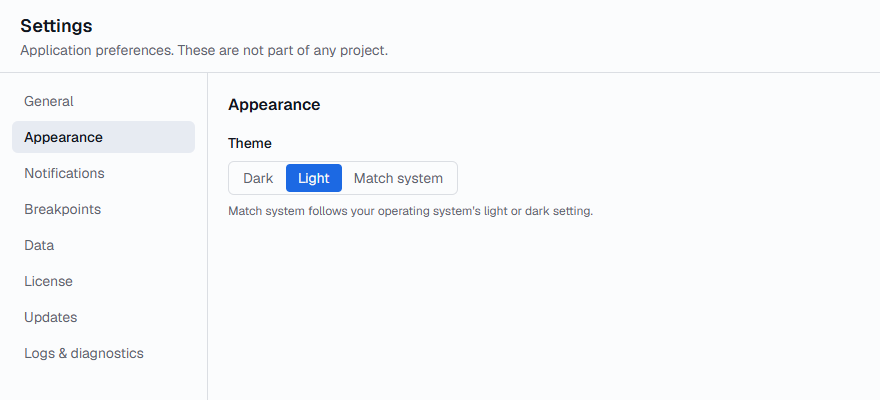
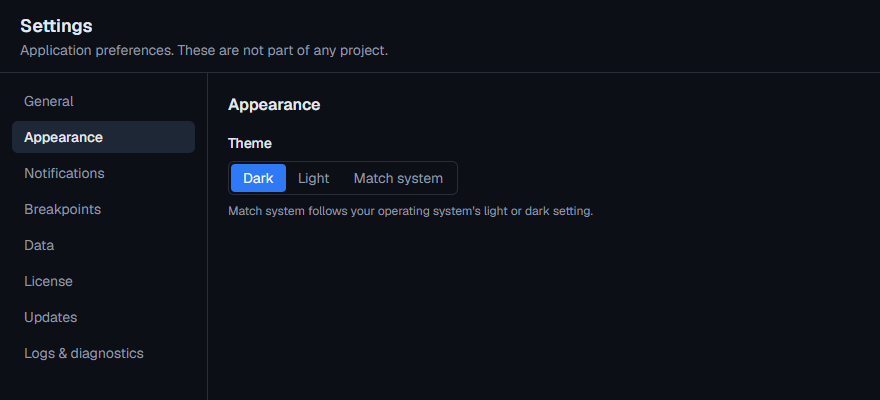
| Theme | Dark | Dark, Light, or Match system, which follows your operating system's light or dark setting. |
Notifications
| Setting | Default | What it does |
|---|---|---|
| Show a pop-up for each simulated email or SMS | On | Messages always appear in Messages, with their codes, whether or not this is on. |
Breakpoints
| Setting | Default | What it does |
|---|---|---|
| Continue held operations automatically | Off | After 30 seconds, After 1 minute or After 5 minutes, a request or response paused by a breakpoint or Pause All continues on its own, as if you chose Continue. Holds already waiting keep the time they started with. |
Data
Projects and preferences are stored on this computer.
| Setting | Default | What it does |
|---|---|---|
| Data folder | Where projects and preferences are kept, with Open folder. | |
| Timeline history | 50,000 events | How many events the Activity timeline keeps: 10,000, 50,000 or 100,000. |
| Message history | 1,000 messages | How many simulated emails and SMS Messages keeps: 500, 1,000 or 5,000. |
The newest events and messages are kept while FlowReactor runs. Lower limits use less memory. History isn't saved between sessions.
License
Who the license is for, when it ends or when updates are included until, and how long this computer can work offline. Also Refresh license, Deactivate this computer, Your account and the Installation ID. See Trial, licenses and updates.
Updates
| Setting | Default | What it does |
|---|---|---|
| Release channel | Stable | Stable or Beta. Changing it checks for updates straight away. |
| Check for updates when FlowReactor starts | On | You can always check here with Check for updates. |
This section also shows the version you have installed.
Logs & diagnostics
Logs stay on this computer.
| Setting | Default | What it does |
|---|---|---|
| Log level | Info | Errors, Warnings, Info, Debug or Trace. Debug and Trace help with troubleshooting and make log files larger. |
| Log folder | Where log files are kept, with Open folder. A new file starts each day (flowreactor.YYYY-MM-DD.log) and the last 7 days are kept. |
Copy diagnostics copies your version, system, license status and these settings, with no keys, tokens or project data, to send to support.