

Pausing traffic
Pause operations, inspect their details and choose whether to continue, fail or disconnect.
On this page
A breakpoint pauses operations that match conditions you define. Use one to inspect a query or request before it proceeds, or to return a controlled failure. Your application waits until you release the operation or its own timeout expires.
Add a breakpoint
Open a service's Breakpoints tab and choose Add breakpoint.
| Field | What it matches |
|---|---|
| On | Whether the breakpoint is armed. |
| Pause | When to pause: Before forwarding (database proxies) or Before handling (simulators), so the dependency hasn't seen it yet; or Before response, after the dependency answered but before your application gets the answer. |
| Operation | SELECT, INSERT, GET, PutItem… Leave it as Any to match everything. |
| SQL contains / Request contains | Text the query or request must contain, such as orders or /payments. |
Choose Save breakpoints. Breakpoints apply to a running service straight away. A dot next to a service in the sidebar means it has armed breakpoints.
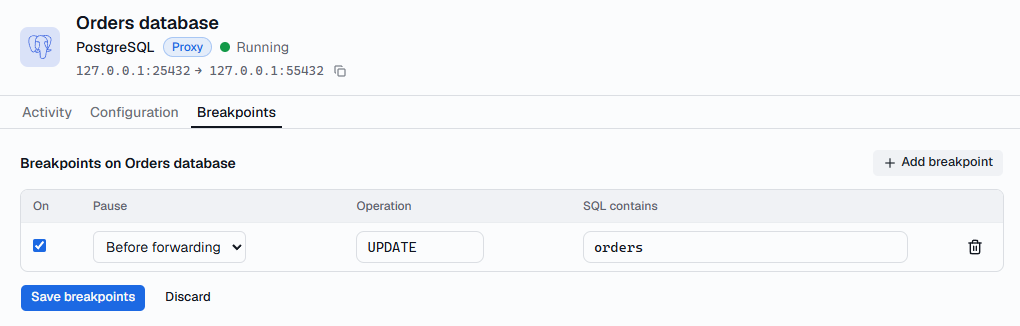
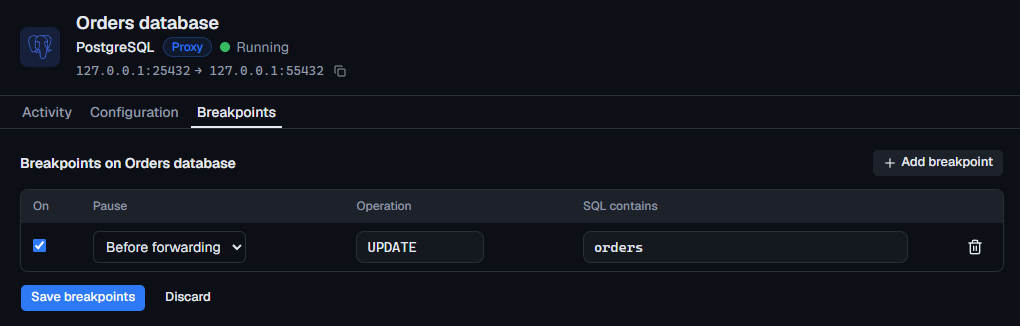
For the HTTP simulator, you can also click the dot next to a route: requests to that route then pause before it answers. Right-click the dot to remove it.
Pause everything
Pause traffic, in the header, pauses the next operation on every connection of every running service; the services keep running. Resume traffic continues everything it paused and stops pausing new operations.
Decide what happens
Paused operations are listed under Paused now at the top of the timeline, with a count in the header and the sidebar. Choose one to see it in full.
| Action | Paused before the dependency | Paused before the response |
|---|---|---|
| Continue / Deliver result | Sends it on as normal. | Gives your application the real answer. |
| Return error… / Return status… | Your application gets the error or HTTP status you choose instead. | The same, replacing the real answer. |
| Drop connection | Closes your application's connection. | Closes it and loses the answer. |
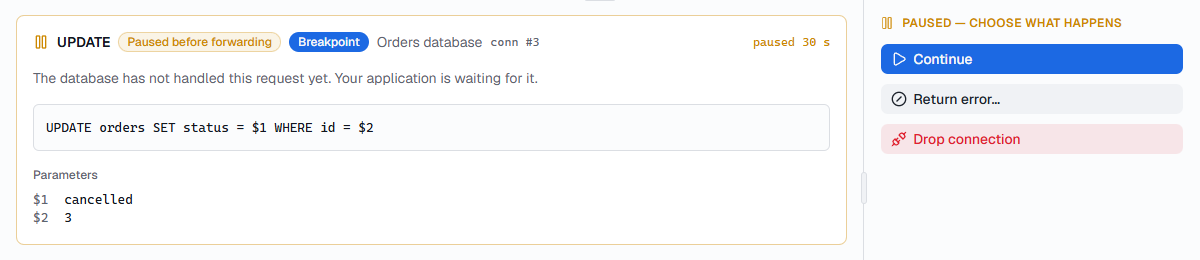
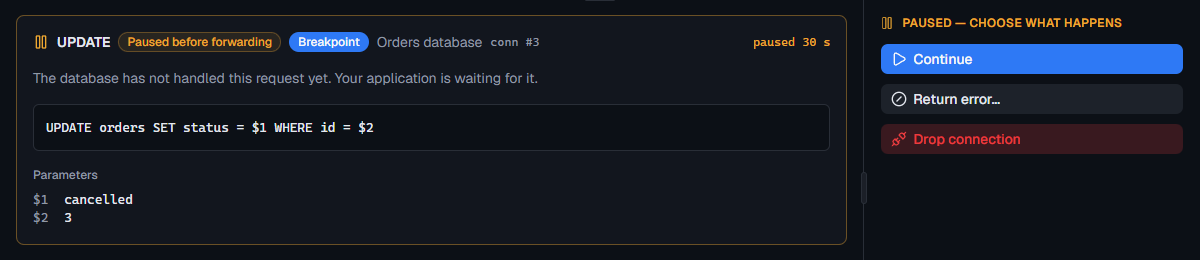
Return error… offers common errors for each service, such as a
PostgreSQL deadlock (40P01), an HTTP 503, DynamoDB throttling or a Cognito
TooManyRequestsException, or you can enter your own code and message.
Continue automatically
If you don't want a forgotten pause to block your application for long, set Settings › Breakpoints › Continue held operations automatically to 30 seconds, 1 minute or 5 minutes. A paused operation then continues on its own, as if you chose Continue.
The timeline records what happened to each paused operation: continued, failed, dropped or auto-continued. Filter on Paused to find them. For a walkthrough, see Step through queries one at a time.