

Test retries against a failing API
Return controlled HTTP errors and check retry timing, limits and error handling.
On this page
Use an HTTP simulator to return controlled errors and inspect each retry in Activity. This guide covers failing individual attempts and configuring a response that fails consistently.
Before you start
Add an HTTP API simulator with a route for the call you want to test, such as
POST /payments, and point your application's base URL at
http://127.0.0.1:18080.
Fail one request at a time
For hands-on testing, use a breakpoint:
- Click the dot next to the route. Requests to it now pause.
- Trigger the call in your application.
- Choose the paused request and Return status…. Pick
503,500,502,504or429, and edit the body if your application reads it. - Watch the next attempt arrive in Activity. Fail it too, or Continue to let it succeed.
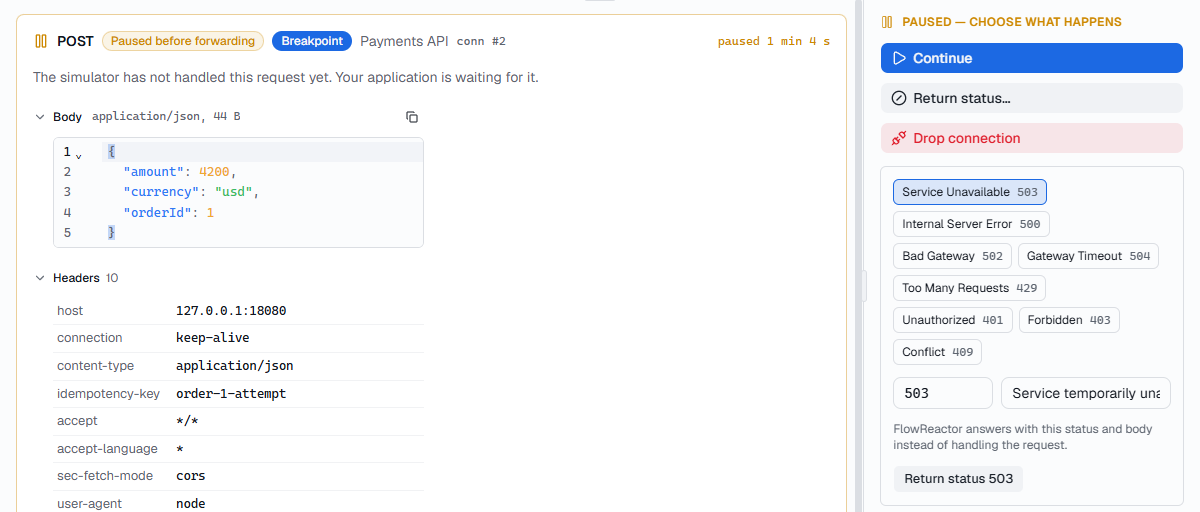
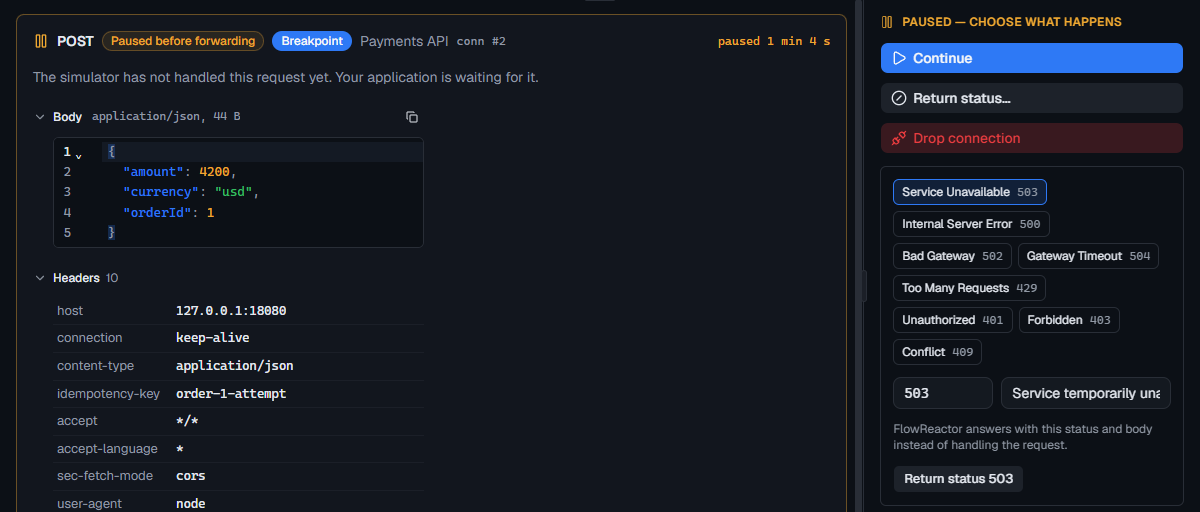
The timeline shows every attempt with its time, so you can check the gaps between retries: is there back-off, and does it give up eventually?
Fail the same way every time
For a failure that repeats without you, make it a response. On the route, add a response above the default, for example:
- Name:
Rate limited - Status:
429 - Headers:
Retry-After: 2 - Body:
{"error": "rate_limited"}
With no conditions, every request gets it. Add a condition to fail only some
requests, such as Header X-Test-Fail exists, or Body field
amount equals 13. Delete the response when you're done.
Things worth checking
- Retry decisions match the API contract. Check transient server errors and
rate limits separately from invalid requests such as
400or422. - It honors
Retry-Afterwhen the API sends one. - Retried requests include any idempotency keys the API requires. The simulator shows what your application sends; verify duplicate prevention against the real service as well.
- After the last retry, the user sees a useful error rather than a spinner.
To test a slow API rather than a failing one, set Latency on the simulator's Configuration tab; see Faults.