

Test database timeouts
Add database latency and check application timeouts, connection pools and loading states.
On this page
Add a controlled delay to database queries, then check how your application handles timeouts, busy connection pools and loading states. This guide uses a proxy connected to your development database.
Before you start
Set up a PostgreSQL or MySQL proxy in front of your development database, and point your application at it. Check that its queries appear in Activity.
Add latency
- Open the proxy's Configuration tab.
- Under Faults, set Latency to
2000(two seconds) and choose Apply.
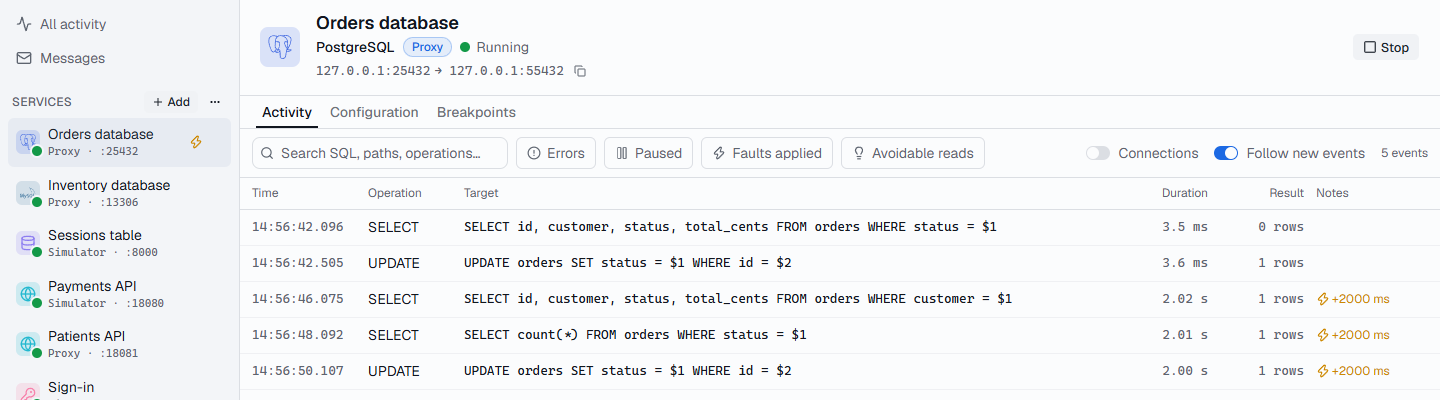
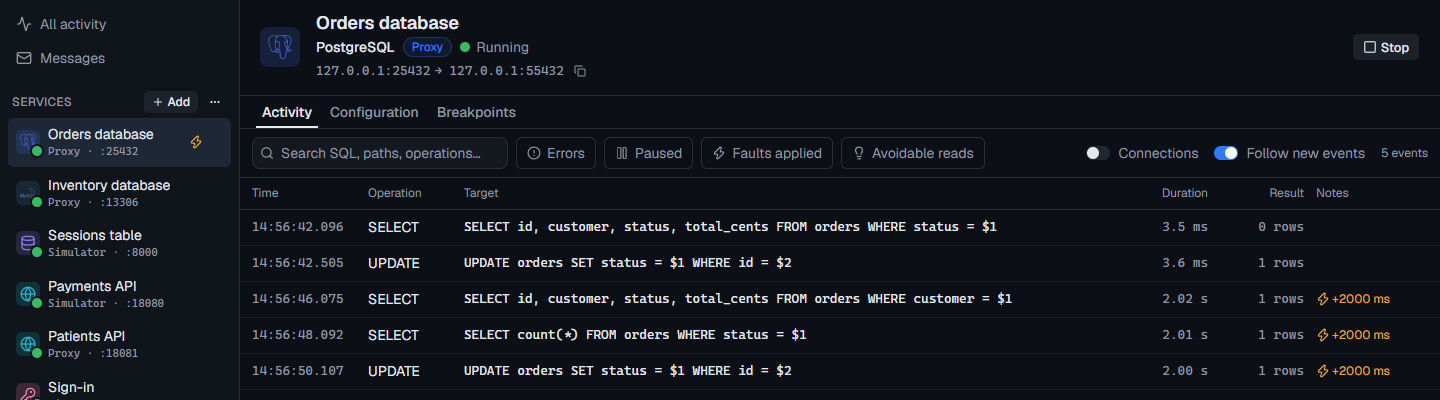
Every query from now on waits two seconds before reaching the database. It applies to open connections immediately, so there's no need to restart your application. The lightning icon in the sidebar reminds you it's on.
What to look for
Use your application as normal, and watch for:
- Timeouts: does a request that waits on several queries hit its timeout? Raise the latency until it does, and check what the user sees.
- The connection pool: with every query held longer, does the pool run out of connections? Look for pool-exhausted errors in your logs, and new connections in Active connections.
- Loading states: do your screens show progress, or freeze?
- Retries: does a timed-out request get retried, and does that make it worse?
In the timeline, each operation's Timing tab shows how much was Injected latency and how much was the database itself, so you can tell FlowReactor's delay apart from a genuinely slow query.
Slow down just one query
Latency applies to every query. To delay or stop a single one, add a
breakpoint on it instead, such as SELECT
containing orders, and continue it when you're ready. Or set Settings ›
Breakpoints › Continue held operations automatically so paused queries
continue after 30 seconds on their own.
Clean up
Choose Clear under Faults. Latency is saved with the project, so clear it before you save if you don't want it next time.