

Latency and failures
Add latency, drop connections and return controlled errors to test failure handling.
On this page
Faults are failures you add on purpose. You can make a service slow, fail a share of HTTP requests, drop a client's connection, and fail individual operations from a breakpoint.
Latency
The Faults section of a service's Configuration tab adds a delay to every request.
- Enter Latency in milliseconds, from 0 to 600,000 (10 minutes).
- Choose Apply. It applies to open connections immediately.
- Choose Clear to remove it.
While latency is set, the service shows a lightning icon in the sidebar, and the timeline shows the injected delay in each operation's Notes and Timing.
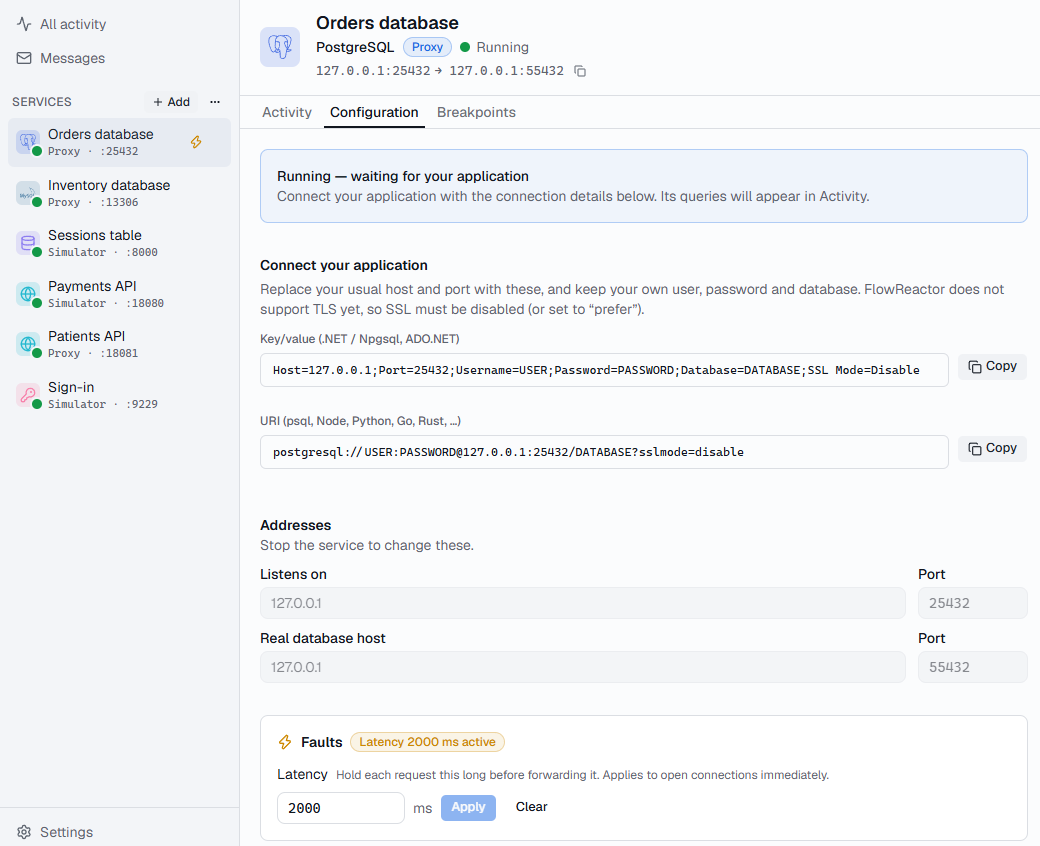
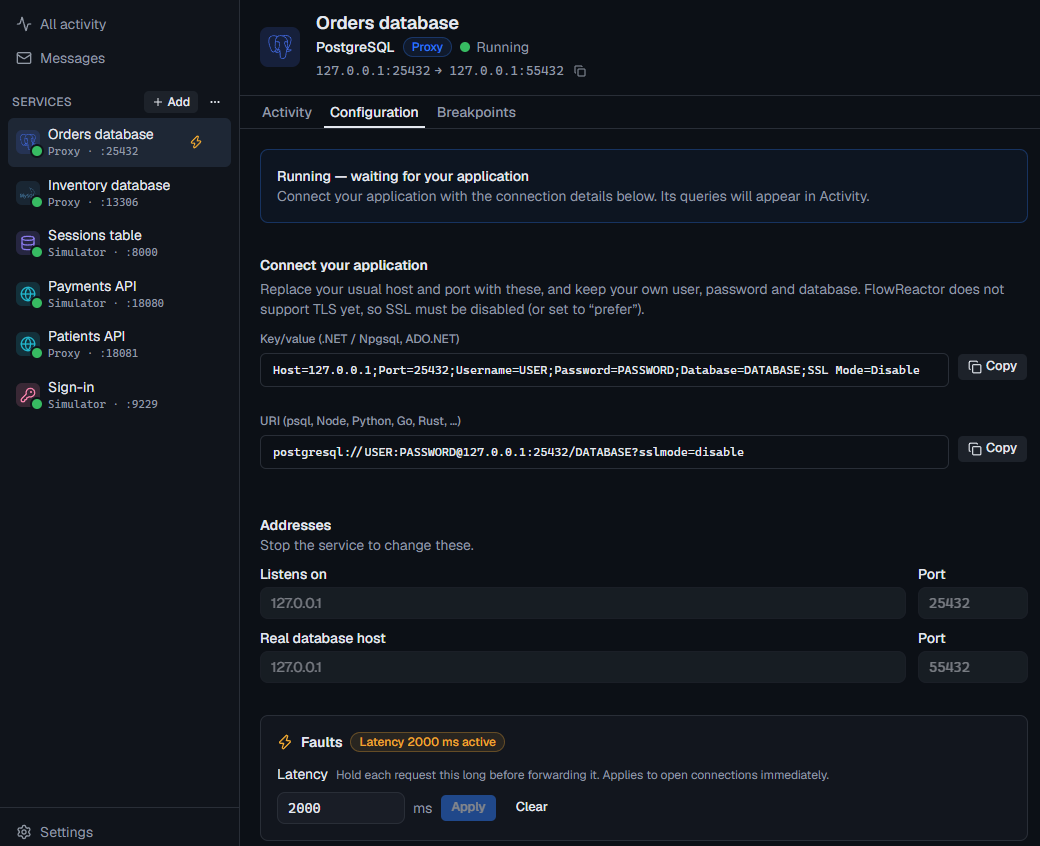
Latency is saved with the project. See Test how your app handles a slow database.
HTTP services set latency with their other faults, below.
HTTP faults
On an HTTP API or HTTP proxy, the Faults section sets these together. Choose Apply to use them: they apply to open connections immediately.
| Fault | What your application gets |
|---|---|
| Latency | A delay before each request is handled, in milliseconds. |
| Jitter | Up to this much more delay, chosen per request. Latency and jitter together are at most 10 minutes. |
| Fail | An error Status from 400 to 599, with a body you choose. |
| Timeout | No answer: the connection closes after Seconds, from 1 second to 10 minutes (default 30). |
| Drop | The connection closes with no response. |
| Truncate | The headers and the first Bytes of the body, then the connection closes. |
| Slow body | The body, at KB per second (at least 1). |
Each fault except latency and jitter has a Percent of requests. One roll per request picks at most one of Fail, Timeout, Drop and Truncate, so their percentages add up to at most 100%. Slow body has its own roll.
When sets the moment a fault acts:
- before the upstream sees it: the request is never handled or forwarded.
- after the upstream answers: the request is handled, or the upstream answers it, but your application doesn't hear back. Use it to test lost acknowledgements, such as a payment that went through while your application got an error. On a proxy, the timeline still shows the upstream's real answer.
A route's Faults chooses The service's faults, None, or Its own faults, which replace the service's for that route. Routes whose action is Block get no faults unless you give them their own.
The timeline shows each injected fault in the operation's Notes; filter on Faults applied to find them.
Drop a connection
While a service is running, Active connections on its Configuration tab lists each connected client: its connection number, address, when it connected, and how many queries it has sent. Drop closes that connection now; queries in flight fail on the client.
Use it to check that your application reconnects, and that its connection pool replaces broken connections.
Fail one operation
To fail a single query or request with an error you choose, pause it with a breakpoint and choose Return error… or Return status…. See Breakpoints and pausing.