

Inspecting activity
Find queries and requests, inspect results and compare service time with injected delays.
On this page
Every operation that reaches a running service appears in the Activity timeline: each SQL query, HTTP request, DynamoDB call and Cognito sign-in.
- All activity, in the sidebar, shows every service. Use the All services list to narrow it down.
- The Activity tab of a service shows just that service.
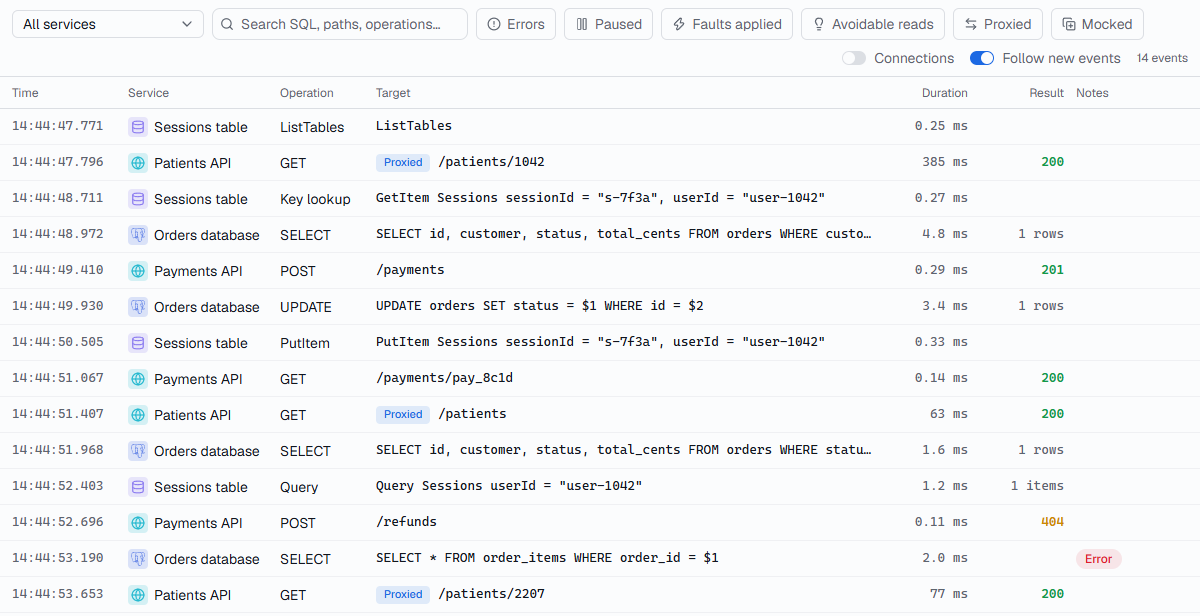
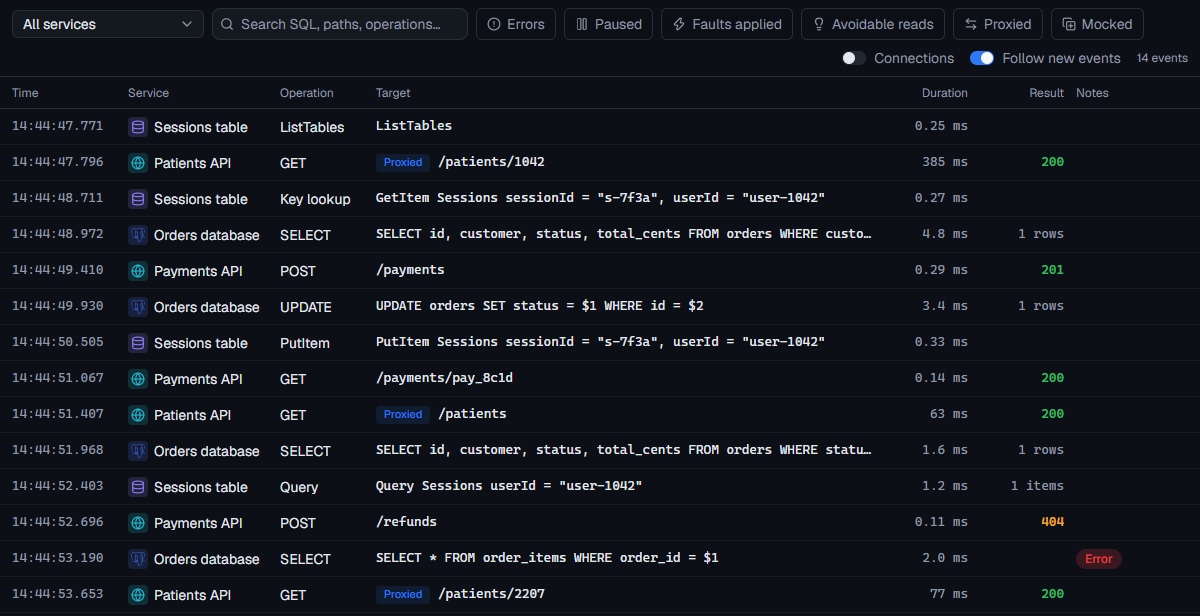
What each row shows
| Column | Shows |
|---|---|
| Time | When the operation started. |
| Service | Which service it went to (All activity only). |
| Operation | SELECT, GET, PutItem, InitiateAuth… |
| Target | The table, path or summary. |
| Duration | How long your application waited. |
| Result | An HTTP status, a number of rows or items, or an error. |
| Notes | Whether it was paused, an injected fault, a dropped connection, or a hint that a DynamoDB read could be cheaper. |
New events stay in view while Follow new events is on. Scrolling back or selecting an event stops following; Jump to latest picks it up again.
Find what you need
- Search SQL, paths, operations… filters by the text of the operation.
- The filter chips narrow the list, and can be combined:
- Errors: failed operations, closed connections, and HTTP 5xx responses.
- Paused: operations that were held by a breakpoint or Pause traffic.
- Faults applied: operations FlowReactor slowed down or failed on purpose.
- Avoidable reads: DynamoDB reads that could be cheaper.
- Proxied and Mocked: HTTP requests forwarded to the upstream, or answered by a route instead. They appear when an HTTP proxy is in the project.
- Connections adds connection opened and closed events, which are hidden by default.
Details
Select a row to see it in full.
| Tab | Shows |
|---|---|
| Query (SQL) | The SQL, its parameters, the protocol, and any database error with its code, message, detail and hint. |
| Results (SQL) | The rows returned. For several statements at once, each result set. |
| Request / Response (HTTP, DynamoDB, Cognito) | What your application sent and what it got back. For an HTTP proxy, also what was sent to the upstream and what it answered. |
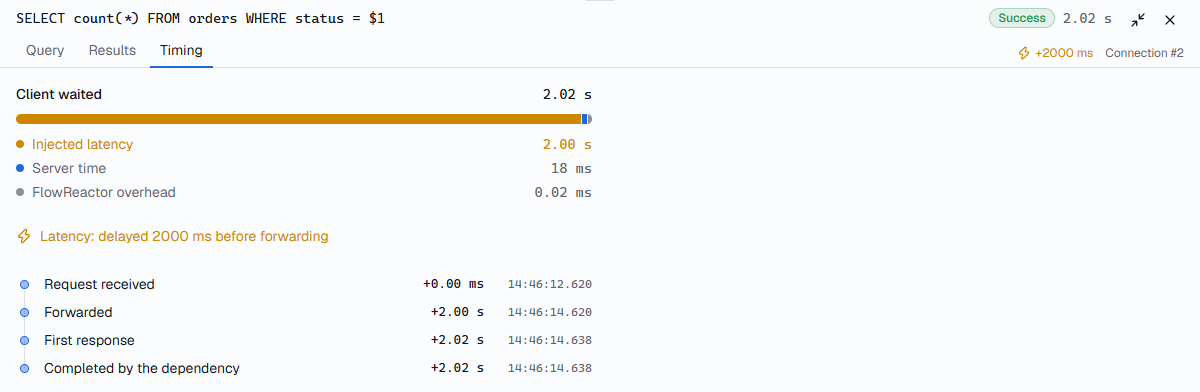
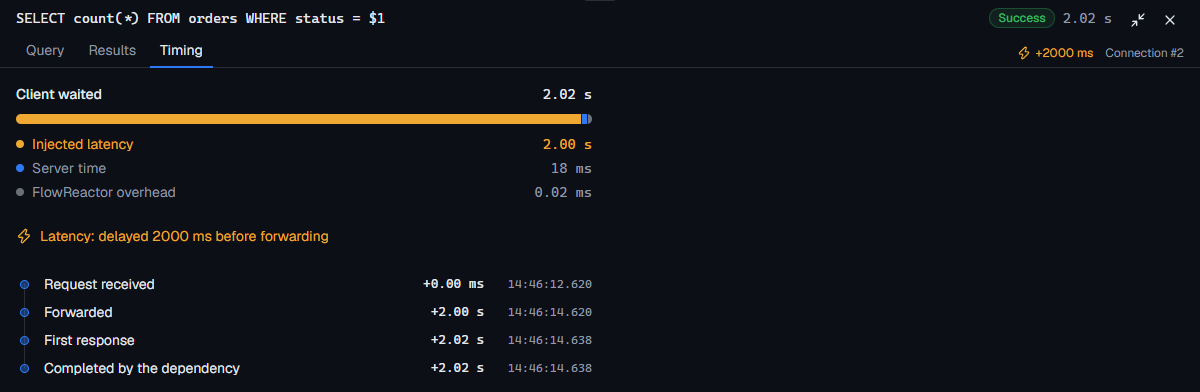
| Timing | Where the time went: how long your application waited, the server's time, any pause or injected latency, and FlowReactor's own overhead. |
How long activity is kept
The timeline lives in memory while FlowReactor runs and isn't saved between sessions. It keeps the newest 50,000 events by default; change that in Settings › Data › Timeline history. Older events are dropped, and an old event's details can disappear before its row does.