

Quick start
Create an HTTP simulator, send a request, add a dynamic response and test a failure.
On this page
This quick start uses the HTTP API simulator because it needs nothing else:
no database, no AWS account. You'll need FlowReactor
installed and activated, and curl or any HTTP client.
1. Add an HTTP API
- In the sidebar, next to Services, choose + Add.
- Choose HTTP API, keep the port
18080, and choose Add HTTP simulator. - Choose Start.
2. Call it
curl http://127.0.0.1:18080/health
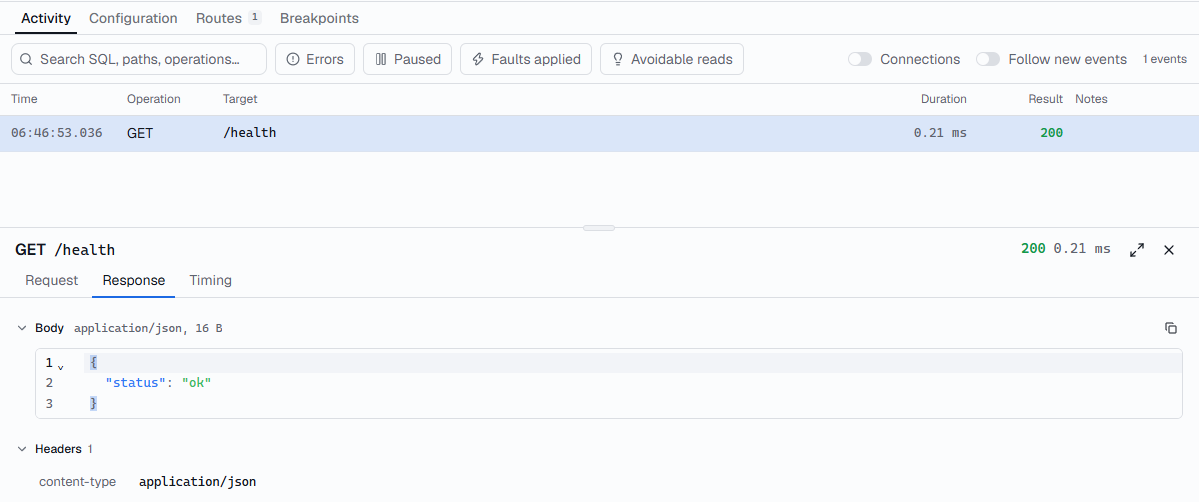
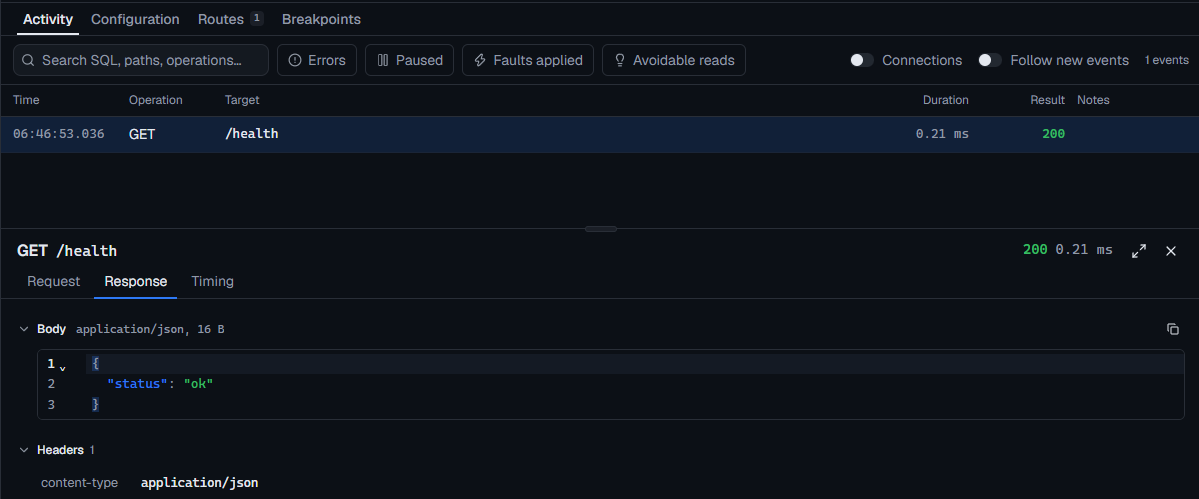
You get {"status": "ok"} from the example route, and the request appears on
the service's Activity tab with its status and timing.
3. Add your own route
-
Open the Routes tab and choose Add route › Blank route.
-
Set the method to
GETand the path to/users/{id}. -
Set the body to:
json{ "id": "{{path.id}}", "name": "{{fake.name}}", "email": "{{fake.email}}" } -
Choose Save routes. The change applies immediately; no restart.
curl http://127.0.0.1:18080/users/42
Every call returns user 42 with a new fake name and email. See
response templates for every value you
can use.
4. Return a controlled failure
- Click the dot next to the
/users/{id}route. It turns into a breakpoint. - Run the
curlcommand again. It waits: the request is paused, and Paused now appears at the top of the timeline. - Choose the paused request, then Return status… › 503.
curl gets 503 Service Unavailable. Use this to check your application's
error handling without changing the real API. Click the dot again to turn
the breakpoint off.
Next
- Point your own application at
http://127.0.0.1:18080in place of the real API's base URL: HTTP API simulator. - Keep using the real API and mock only some routes: HTTP proxy.
- Proxy your database: PostgreSQL or MySQL.
- Test AWS integrations locally: DynamoDB and Cognito.
- Save your setup as a project with
Ctrl+S.